
Photo by Aleks Marinkovic on Unsplash
This week has been fun to learn how to leverage my professional LinkedIn profile to better establish my personal wine blog @MyWinePlaylist. I’ve completed “Learning LinkedIn” with expert, Oliver Schinkten.
LinkedIn is all about leaving an impression, establishing your personal brand, connecting, networking, learning, and career-building. Schinkten says it has become the “new resume”.
The video tutorial starts with the basics. I would recommend it for anyone building their LinkedIn Profile.
And, if you are like me and have had a professional LinkedIn Profile for a few years
…now is the time to “polish your profile”
(Schinkten,2020)
I think my profile does a pretty good job in representing my professional brand, but Schinkten points out some important features that will make it stellar. First off, having a background image is a great way to make your profile stand out.
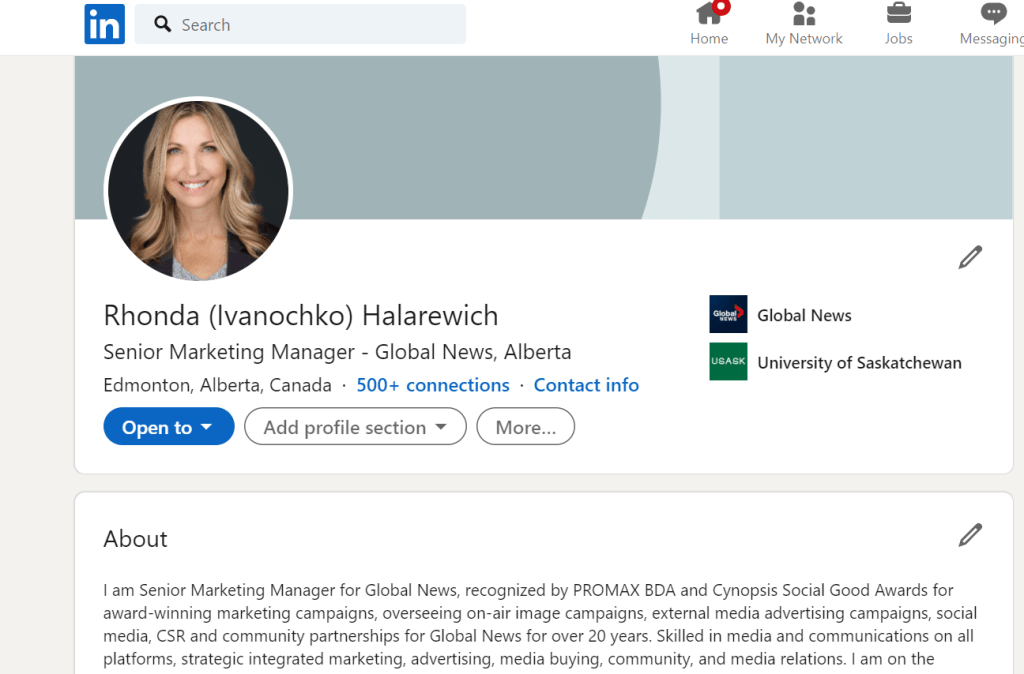
I do have a great photo that represents the behind the scenes work that I do. It should fit in this space.
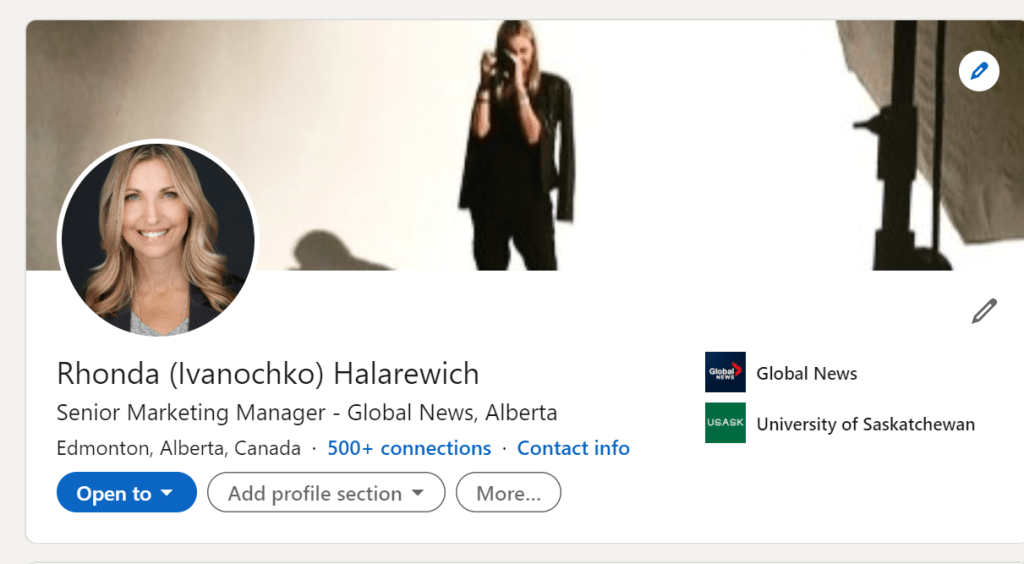
Yes, that works. Perfect.
Create a LinkedIn Profile
The “Headline”, as in any great writing, is so important. It reflects who you are and/or what you are using LinkedIn for. I am using LinkedIn to establish my brand and to build credibility and connections. My focus is on my career and so it makes sense to keep that as my headline.
My Wine Playlist will weave into my profile on the sections following.
Next to the headline, the “About” summary is the most critical part of your LinkedIn profile. This is where you share your story, you resonate, show your value, your aspirations, and your personality. Your summary shows only a few lines of copy so make it matter. If you need help writing your summary, check out copy.ai for inspiration.
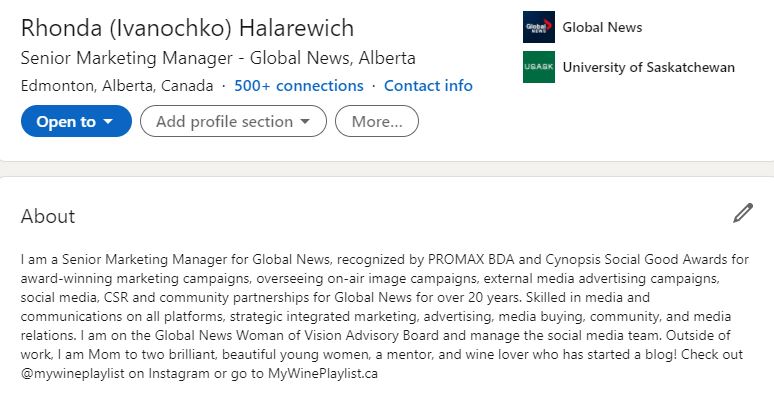
According to LinkedIn, you get 11 times more views by adding your education (Schinkten, 2020). So improve your profile by adding your work experience and your education. And promote your skills. You can add up to 50 skills on your LinkedIn profile.
Showcase your work! Add work that you want to highlight by adding media or links. Schinkten also gives a great tip here, include keywords!
Put keywords in your summary and get noticed.
Keywords are common words that feed the algorithm. They are words that people you want to connect with are searching for. You want keywords to get your profile in front of the right people and make meaningful connections. It is especially beneficial if you are looking for a job.
How do you find the right keywords? A great way to find relevant keywords is by using the resume building tool on LinkedIn. Input your desired position or industry and see what keywords show up that would benefit your profile. For “Marketing Director” the following keywords are recommended: Integrated Marketing, Communication, Digital Marketing, Social Media Marketing, Marketing Communications, and Product Marketing. It appears I have a couple new words to add to my summary.
Another tip that Schinkten shares is to identify keywords using tagcrowd.com as a tool to build a word cloud. I did a LinkedIn Search for “wine” and grabbed text from a few wine blogger profiles to see what keywords show up. It’s quite simple, you paste the text and visualize. If I want to show up as a wine blogger, or get my stories in front of people interested in wine, this is what my word cloud would look like.
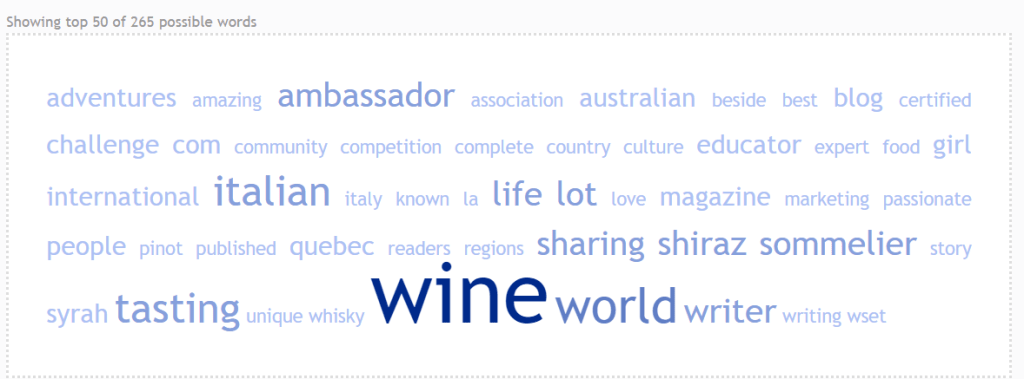
Based on this, wine is obvious, and I may want to add writer, world, and tasting as keywords in my profile and articles.
Now Featuring…
The “Featured” section is a new option on LinkedIn that I haven’t yet explored. Here is an opportunity to showcase your work by highlighting articles you have written and links to relevant media, like photos and presentations, you have shared. I have decided that this is where I will showcase my passion project, My Wine Playlist.
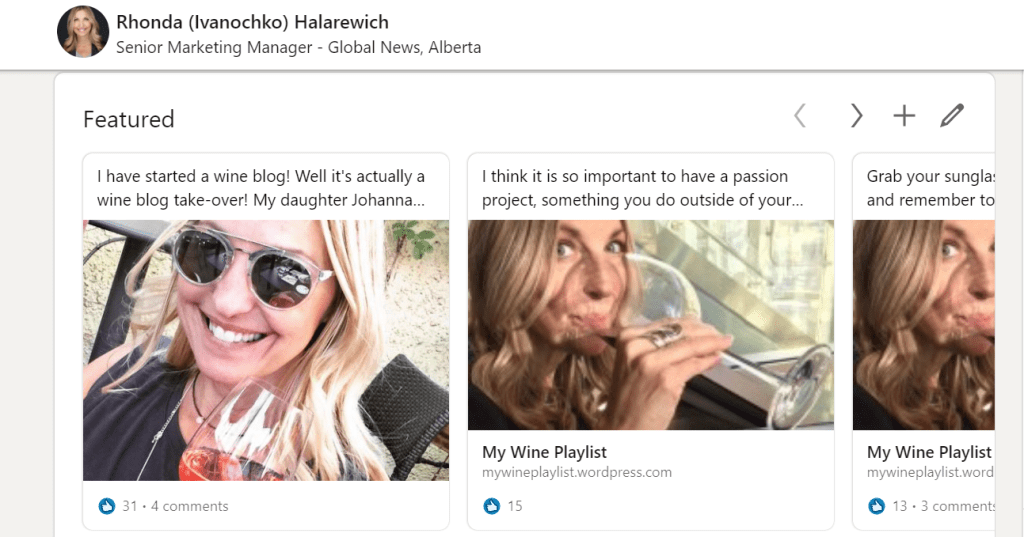
I have curated 4 articles that I previously published. My Wine Playlist content looks great in this space!
Build Your LinkedIn Network
How do you build your network? Schinkten shares a power tip. Add a personal message to any invitations you send. Tell people why you want to connect.
On accepting invitations, my filter on LinkedIn is that I see connections not only for networking but as endorsements and reflections of my brand. I have to know, or want to know, the people I am connecting with. And they must have a profile picture. I personally use LinkedIn as a tool to mentor and support the advancement of students and others just getting their feet in the business. If I have met them at a mentoring event or interviewed them for a position, I always offer to connect with me on LinkedIn.
Using LinkedIn Day-to-Day
LinkedIn Groups are a great way to build your personal brand, connect and learn. You can join a group and jump into relevant conversations. Connect with people who share your interests. I’ve already found a couple of groups that share my interests in wine blogging. Pending acceptance …”Wine Bloggers, Lovers & Enthusiasts”! UPDATE: I’m in and looking forward to engaging with this group.
Schinkten says if you can’t find a group you can build your own!
Writing articles is a great way to elevate your profile, get noticed, and share your knowledge. It is important to keep posts relevant to your personal brand, and have fun.
How to write an article (Schinkten, 2020)
- Write your headline
- Then your text
- Attach multi-media
- Add image at top (Tip: use canva.com as a free tool to build easy graphics)
Manage Your LinkedIn Account
Be sure to customize your account settings. Do you want to be public or private? There are many ways to show up.
Through this video tutorial I discovered that you could view profiles as anonymous without paying for a premium account. It’s simple, you choose how to view – either as full profile (default) or as an anonymous LinkedIn account.
LinkedIn is the best tool for job searching and staying relevant. As I mentioned earlier, you can build a resume with your LinkedIn profile, and now you can apply to jobs on LinkedIn’s “Apply” button.
Schinkten’s conclusion
Oliver Schinkten offers 4 tips for success on LinkedIn: (Schinkten, 2020)
- Create value for your network
- Share your knowledge
- Actively engage
- Be professional
He restates that it takes time to build up a network and link with like-minded people. Remember that your LinkedIn profile is an evolving document that you should update as you gain experience and learn new skills. Next steps? Oliver Schinkten offers more courses through LinkedIn Learning to take your profile to the next level, including “LinkedIn Quick Tips” and “Rock Your Profile”.
My thoughts
In conclusion, Schinkten’s tips have landed me a profile that I am very happy with, and since a picture is worth a thousand words, here’s mine:
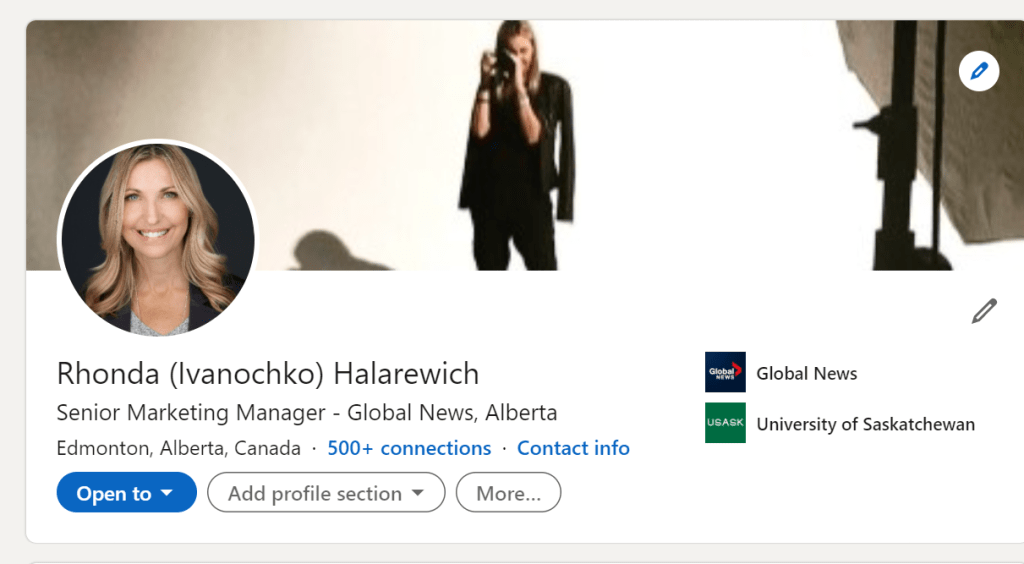
The two big takeaways I got from this video tutorial, other than polishing my profile, include:
- Learning about the “Feature” section which presents a huge opportunity for My Wine Playlist on my profile, and
- Customizing my LinkedIn URL. I had no idea!
Now you can find me at https://www.linkedin.com/in/rhondahalarewich/
References
Schinkten, O. (2020, 09 18). Learning LinkedIn. Retrieved from LinkedIn: https://www.linkedin.com/learning/learning-linkedin-2021
Author: Rhonda Halarewich
Keywords: Learning LinkedIn; LinkedIn; LinkedIn Profile; How To
Readability: Grade 6
 Help Me Rhonda